Word, PDF and Excel in Prisment: Read Them in Place, Convert Them for Your AI Tools
Prisment opens .docx, .pdf, .xlsx and .xlsm in place and converts them to Markdown or CSV in your browser — beside the original, so an AI tool reads the lean copy.
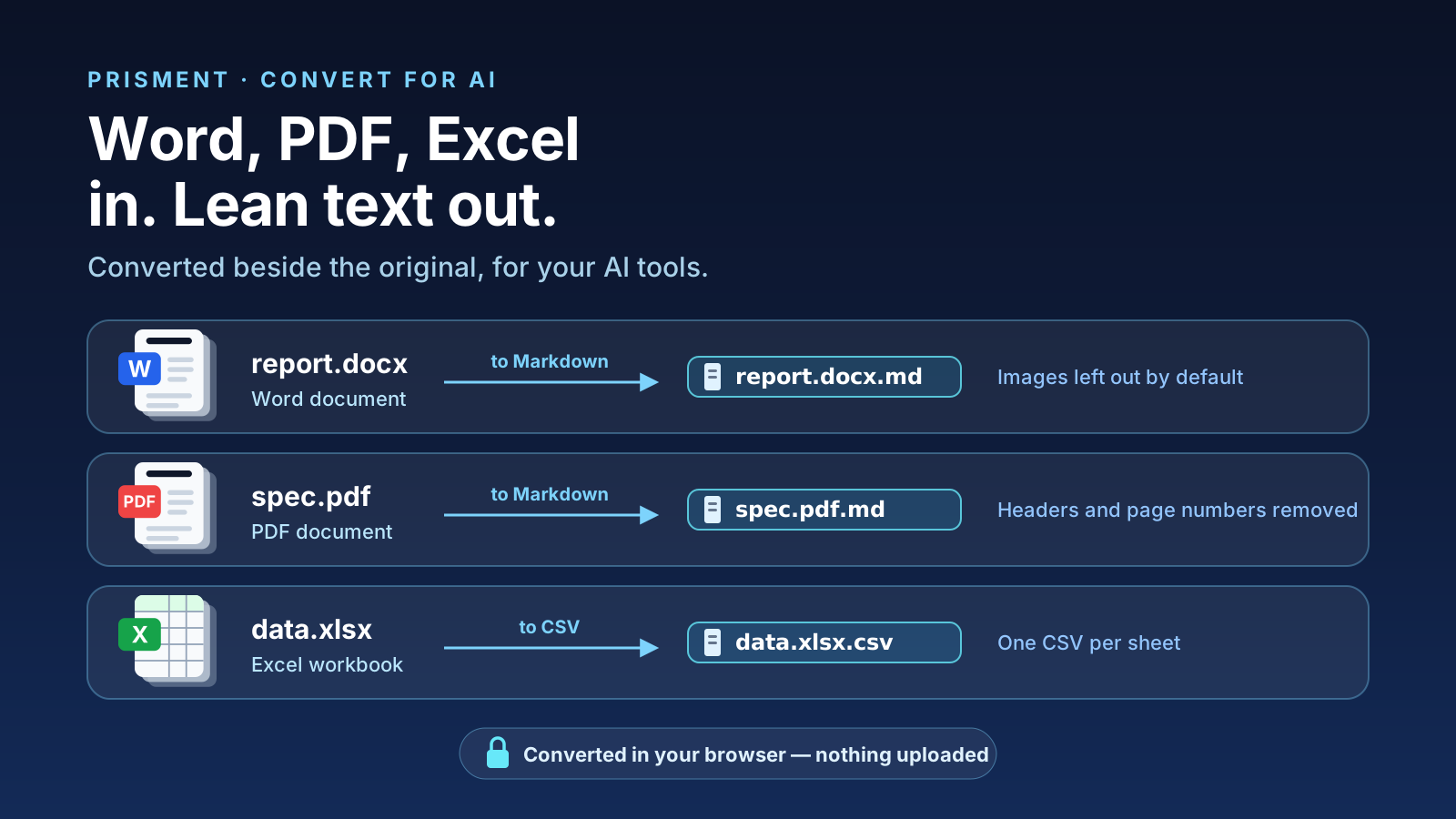
Prisment opens Word, PDF and Excel files in place and converts them to Markdown or CSV entirely inside your browser tab — and the converted file lands in the same folder as the original, so an AI tool reading that folder picks up the lean text instead of the binary. report.docx becomes report.docx.md. Nothing is uploaded, there is no account, and it costs nothing today.
1. What opens, and what does it convert to?
Three binary formats have a viewer and a converter, and every file keeps its origin in its name. Everything runs in the browser; nothing has a server step.
| File | Opens as | Converts to | Output name |
|---|---|---|---|
.docx |
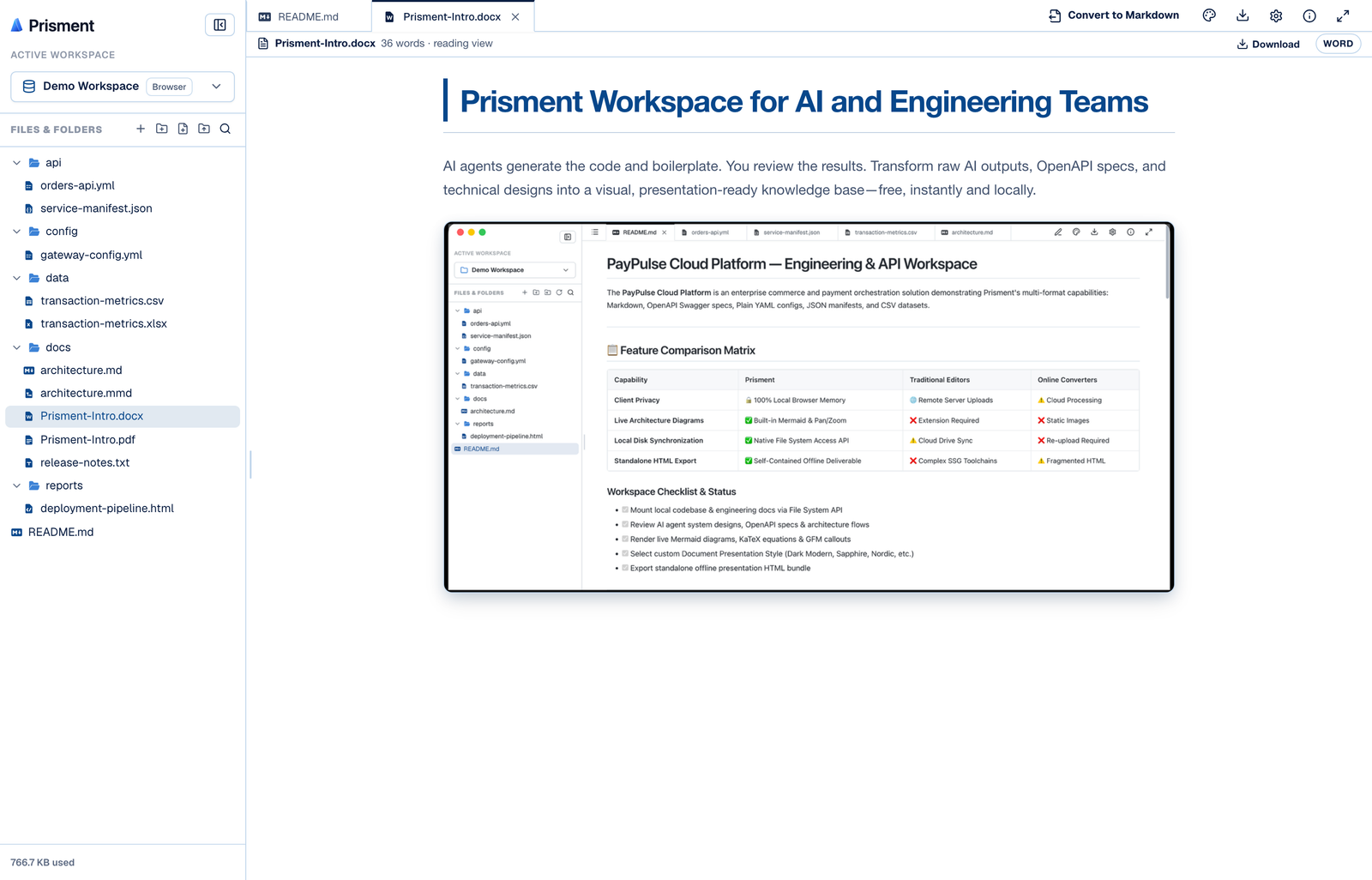
A themed reading view: headings, tables, lists, links, images, footnotes | Markdown | report.docx.md |
.pdf |
Every page drawn by the built-in viewer, with zoom | Markdown | spec.pdf.md |
.xlsx, .xlsm |
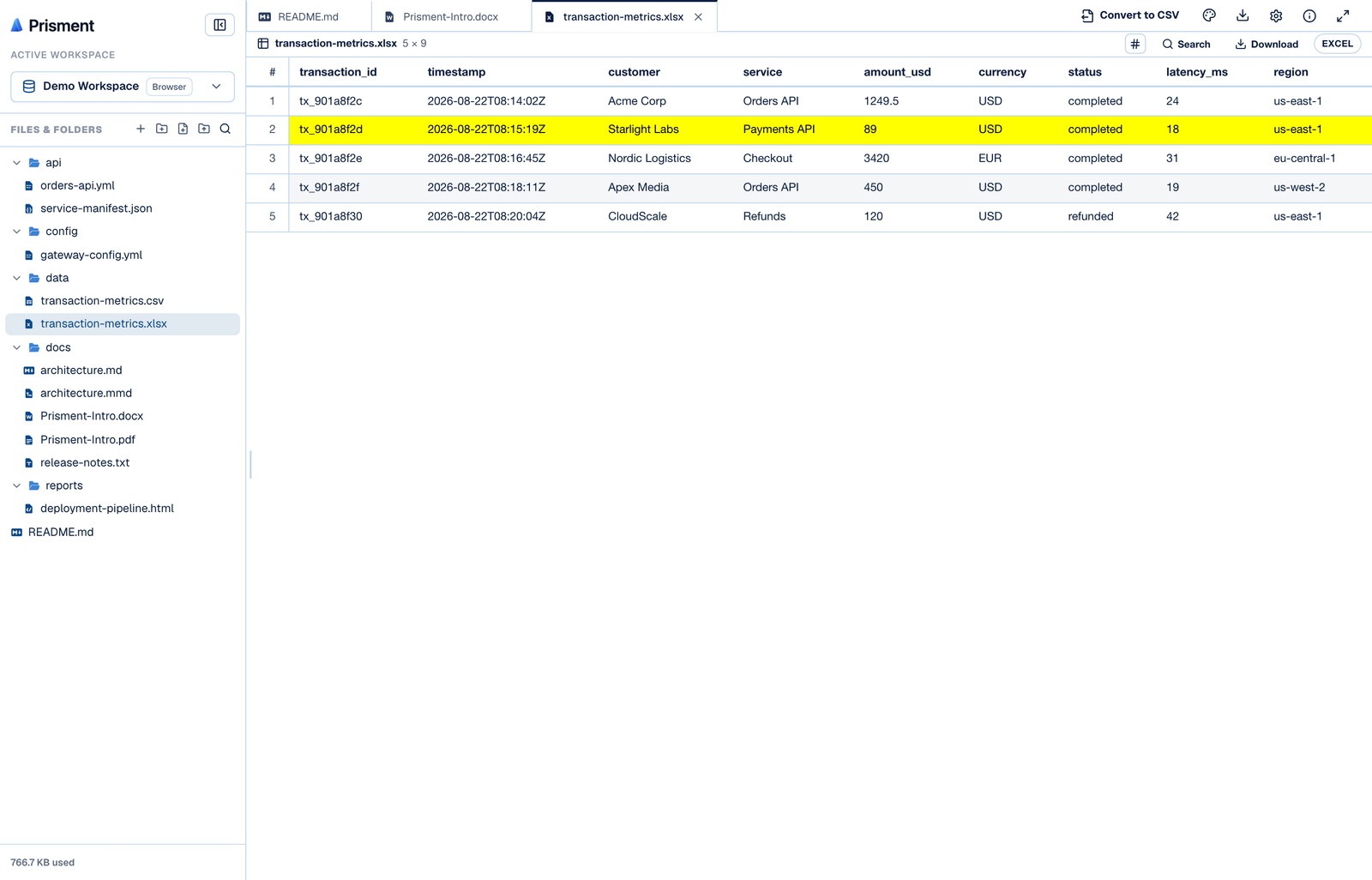
A data grid, one tab per sheet, with the author's cell fills | CSV | data.xlsx.csv, or one per sheet |
2. Why convert at all?
A converted file exists to be read by an AI tool at a fraction of the cost of the original, and that decided every default. A .docx and an .xlsx are archives full of XML; a PDF's text layer carries running headers, footers and page numbers on every page. Handed one, an agent either cannot read it or reads it through a wall of style definitions and layout attributes around your sentences.
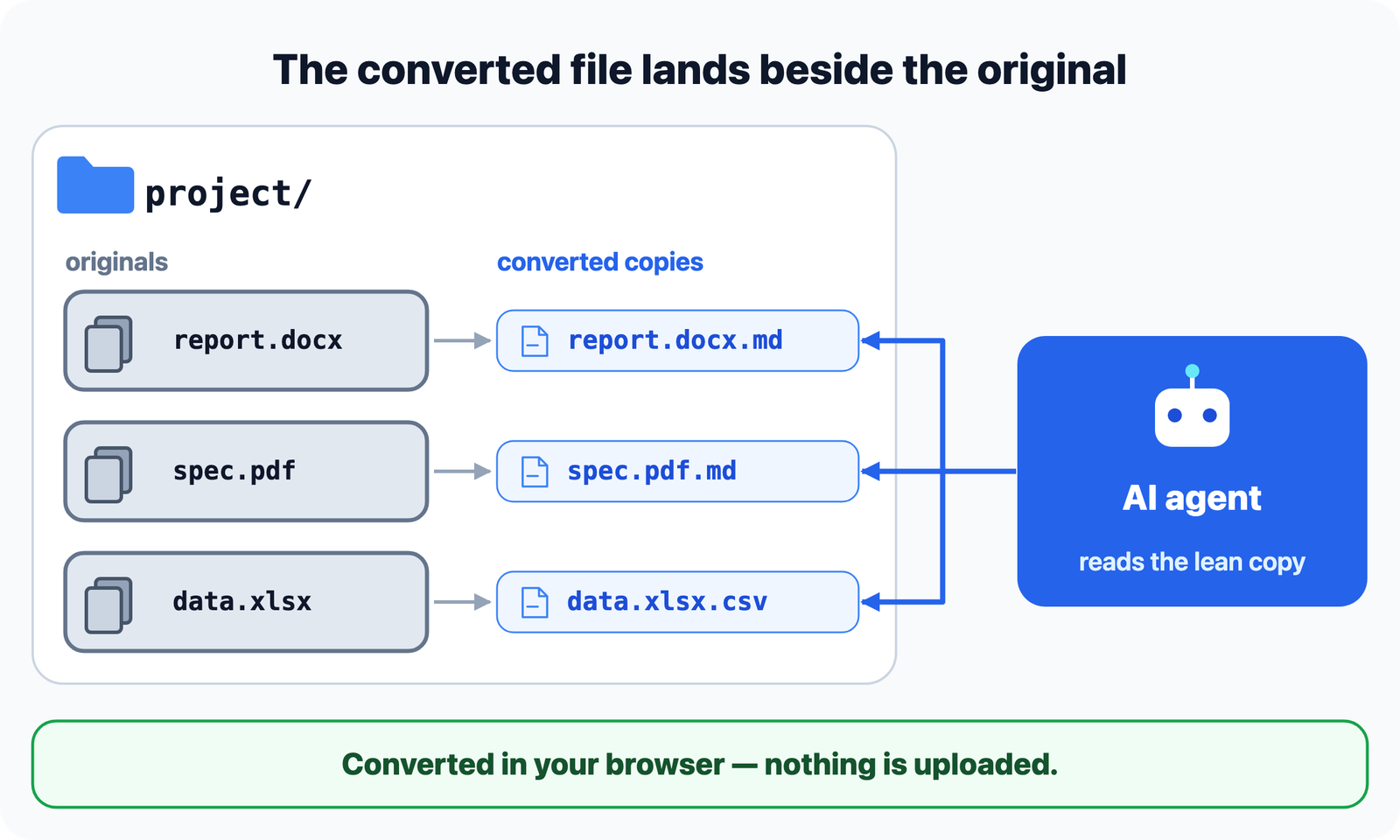
Prisment strips the file to content and structure and puts the result next to the original: nothing to configure, nothing to tell the agent. When a conversion finishes, the notice gives the new file's size and an approximate token count, so the difference is a number you can read rather than a claim.
3. What survives, and what does not?
Each format has a different ceiling, and Prisment states what it lost instead of hiding it. Every conversion that drops something starts its Markdown with a > [!NOTE] callout naming each category and a count.
| Format | What you get | What it cannot do |
|---|---|---|
| Word | The same GFM the editor writes: headings, lists, tables, code, callouts, links, footnotes | Merged and nested cells are flattened; equations, comments and tracked deletions are dropped and counted |
| Tagged PDFs read from their structure tree; untagged ones are rebuilt from layout, with headers, footers and page numbers removed | A scanned PDF has no text, so conversion stops with a message — there is no OCR | |
| Excel | One RFC 4180 CSV per sheet, in the cells' display text, dates as ISO 8601 | Formulas keep the value Excel last saved and are never recomputed |
The full rules — every Word construct, the PDF tiers, the spreadsheet value rules, ceilings and file names — are in the guide: Converting documents.
4. What happens to the pictures?
Before a conversion runs, Prisment asks one question — only when the document actually contains pictures — with two answers: leave them out, or keep them in a folder named after the document. Leaving them out is the lean default, and the callout says how many were dropped. There is deliberately no embed option: a 200 KB picture as a base64 data URI is roughly 270,000 characters, more than a long specification. Remember my choice stores the answer, and Settings → Conversion changes it later.
5. How do you convert a file?
Drop it, choose Convert, and read the result beside the original.
- Open Prisment and drop the file. Drag a
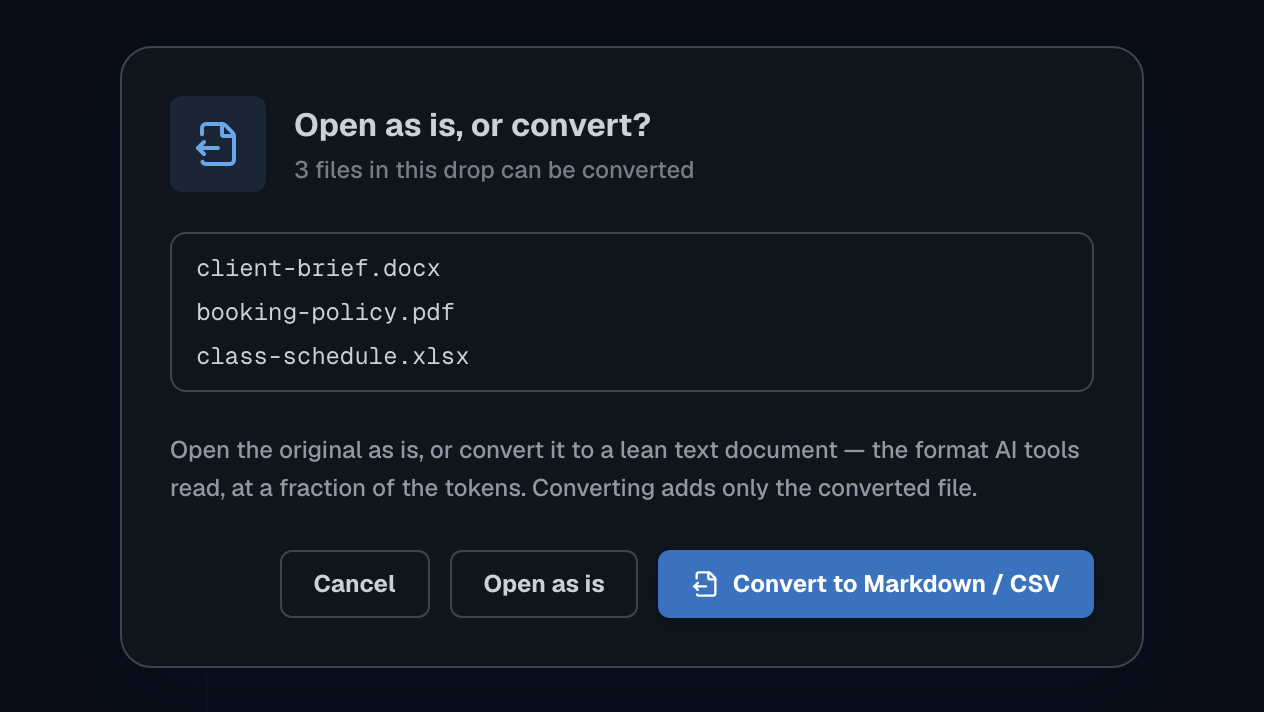
.docx,.pdf,.xlsxor.xlsmanywhere onto the page, or use the drop card on /word-to-markdown/ or /pdf-to-markdown/. - Choose Convert rather than Open as is. The dialog names every convertible file in the drop.
- Answer the picture question if it appears.
- Wait, or cancel. Progress shows pages for a PDF and sheets for a workbook; Cancel leaves no partial file.
- Read the result. The new file opens in its own tab, in the same folder as its source. Mounting a folder never raises the dialog, since those files are already on your disk.
6. Where does the privacy guarantee apply?
Your documents are never uploaded — the Word parser, the PDF viewer, the spreadsheet reader and the Markdown writer all run inside your browser tab, and no upload endpoint exists. You can check it in five minutes. Two scopes, stated exactly: the hosted site measures aggregate usage, including a named document_convert event that records the source and target format and never the document; and a converted file is a new file on your disk, so if you hand that folder to a cloud AI tool, the Markdown goes wherever you send it. For a model that never leaves your computer, see the local AI assistant.
Start on the workspace, where a sample Word brief, PDF and workbook are waiting, or on the converter page for the format you have.
Frequently asked questions
Can I convert a Word document to Markdown without uploading it anywhere?
Yes. Prisment parses the .docx inside your browser tab and writes the Markdown from there, so the document never crosses the network. There is no upload endpoint, no account and no cost. The converted file is named after the original — report.docx becomes report.docx.md — and is created in the same folder, on disk when that folder is a mounted local folder.
How accurate is PDF to Markdown conversion?
It depends on how the PDF was made, and Prisment tells you which of three tiers it used. A tagged PDF — what Word, Google Docs and LibreOffice export by default — carries a structure tree, so headings, paragraphs, lists and tables are read from it directly. An untagged PDF has only positioned text, so structure is reconstructed with layout heuristics. A scanned or image-only PDF has no text at all; Prisment stops with a message rather than producing an empty file, because there is no OCR.
What happens to images when I convert a Word or PDF document?
You choose, once, and Prisment can remember the answer. Leave them out is the lean default and the callout at the top of the Markdown names how many were dropped and what they weighed. Keep them puts the Markdown and an images folder together in a folder named after the document, referenced relatively. Images are never embedded as base64: a single 200 KB picture is roughly 270,000 characters, more tokens than a long specification.
Why convert a document to Markdown or CSV at all instead of feeding the original to an AI tool?
Because a .docx, .pdf or .xlsx is either unreadable to the tool or expensive to read. A Word file and a spreadsheet are zips of XML, and a PDF text layer arrives wrapped in page furniture. A lean Markdown or CSV file carries the same content and structure for far fewer tokens, and because Prisment writes it into the same folder as the original, an agent reading that folder picks it up on its own.
Does Excel to CSV keep formulas?
It keeps their results, not the formulas themselves. Prisment writes each cell as its formatted display text — 15% reads 15%, and a date is written as ISO 8601 — while a formula contributes only the value Excel cached the last time it saved. A workbook saved without cached values produces empty cells and a warning naming how many. Each sheet becomes its own RFC 4180 CSV file.