

Blog & Technical Articles
In-depth guides, architectural deep dives, and best practices for Markdown, MDX, interactive diagrams, and presentation documentation.
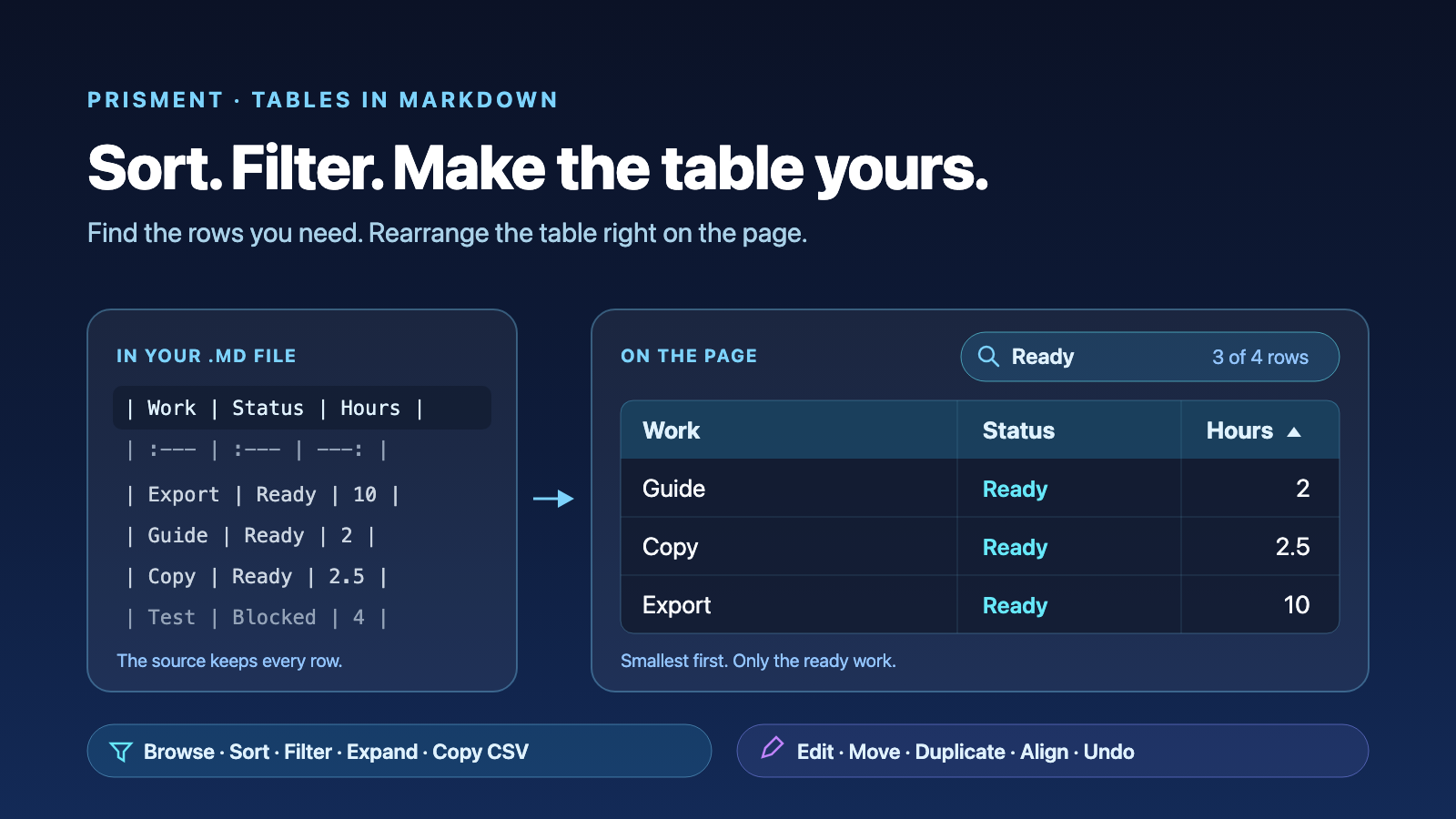
Sort, Filter and Edit Markdown Tables
Explore Markdown tables in Prisment: sort and filter rows, expand the view, copy CSV, and edit rows, columns and alignment without counting pipes.
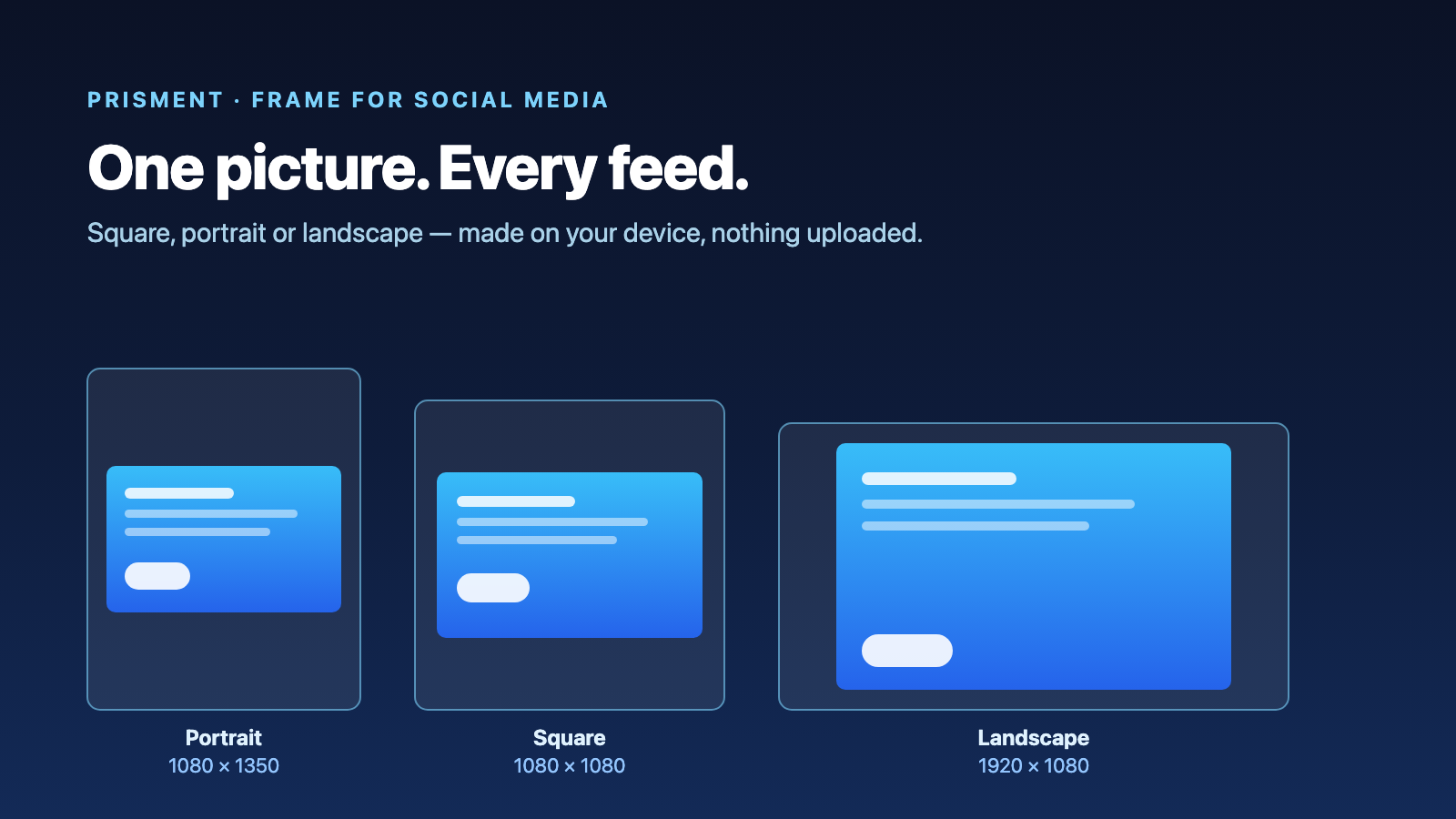
Resize an Image for Social Media
Make a picture square, portrait or landscape for a feed: pick a frame, keep the whole picture or crop to the part you want, and save the file. Made on your device.
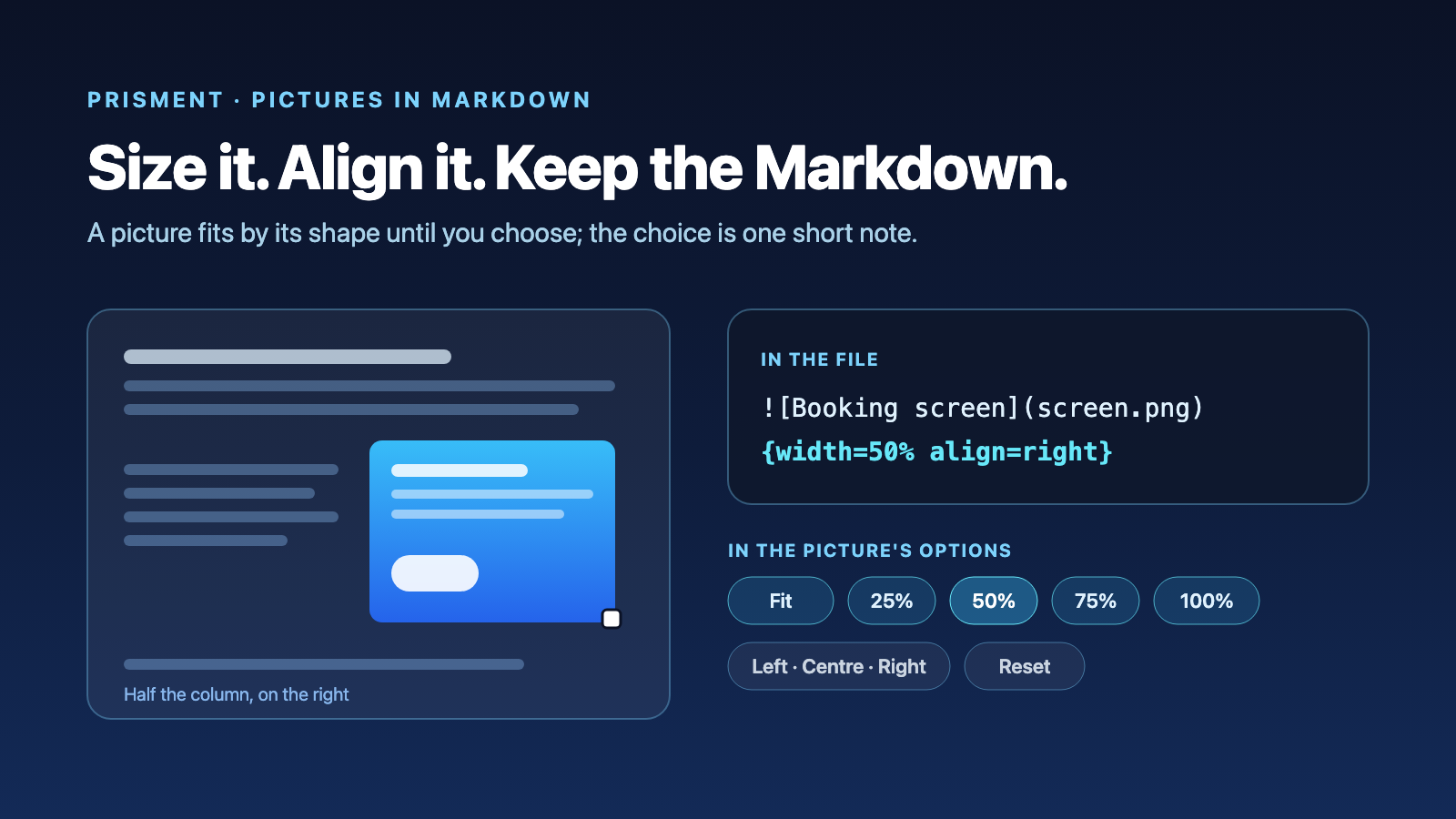
Resize and Align Images in Markdown
Markdown has no image size. Prisment fits a picture by its shape, lets you size and align it with a click, and writes one short note after it.
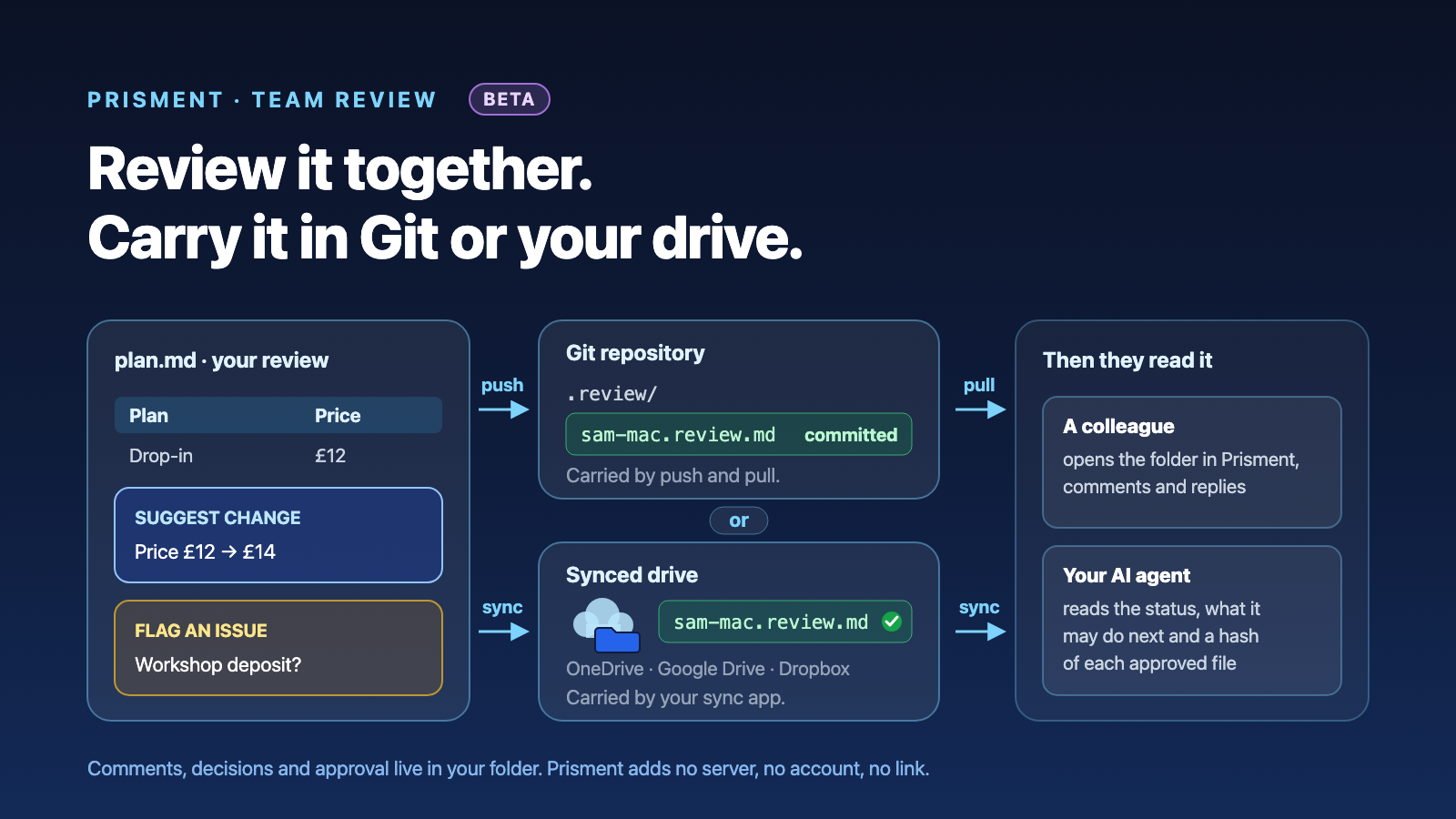
Review Documents With Your Team Through Git or a Shared Drive BETA
A Prisment review is a set of files in your folder, so Git, OneDrive or Google Drive carries its comments, decisions and approval to your team and your AI agent.
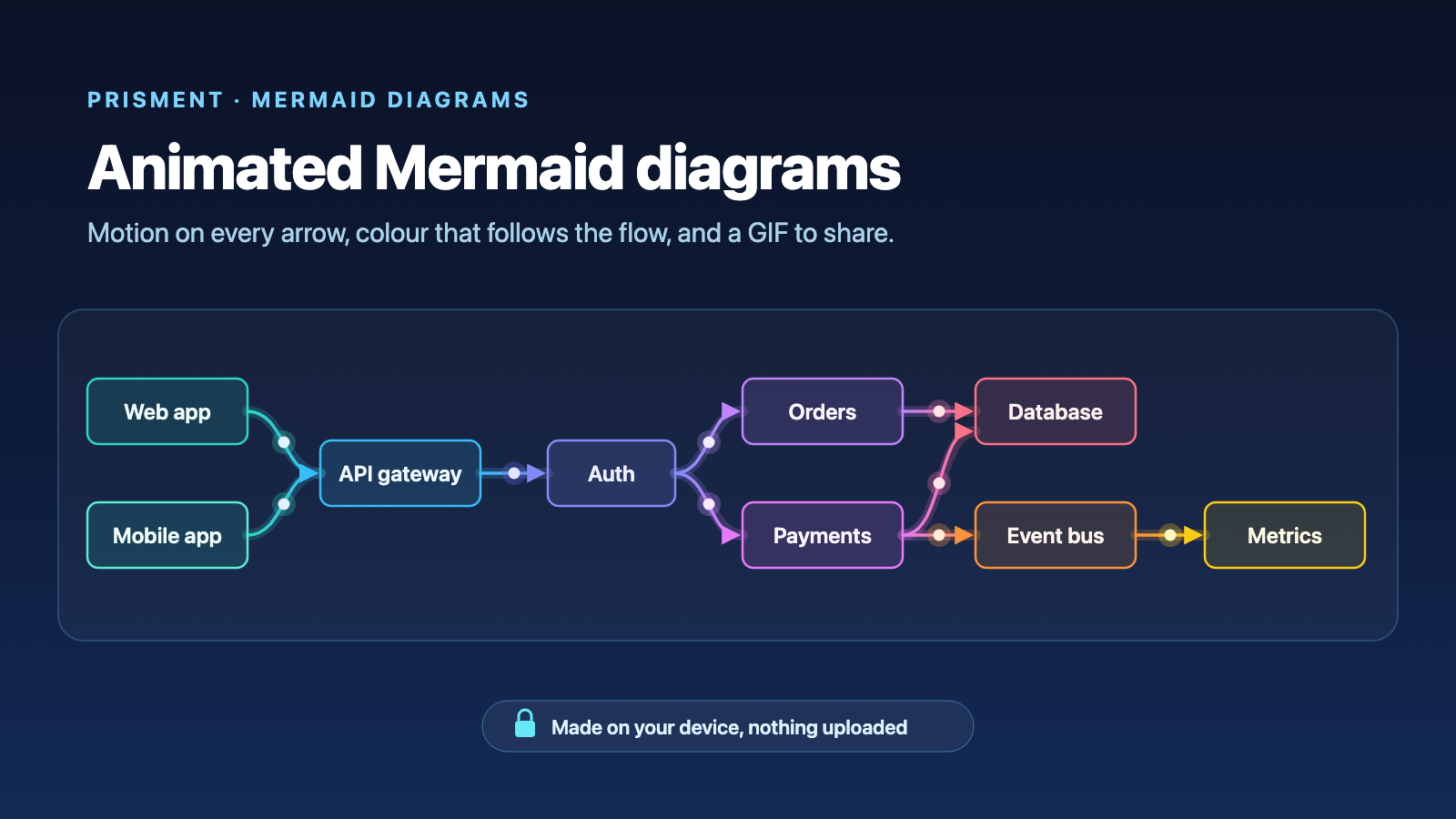
Animated Mermaid Diagrams: Make Them Move, Then Share Them as a GIF
Animate any Mermaid diagram in Prisment — packets along every arrow, colour that follows the flow — then share it as a looping GIF, made on your device.
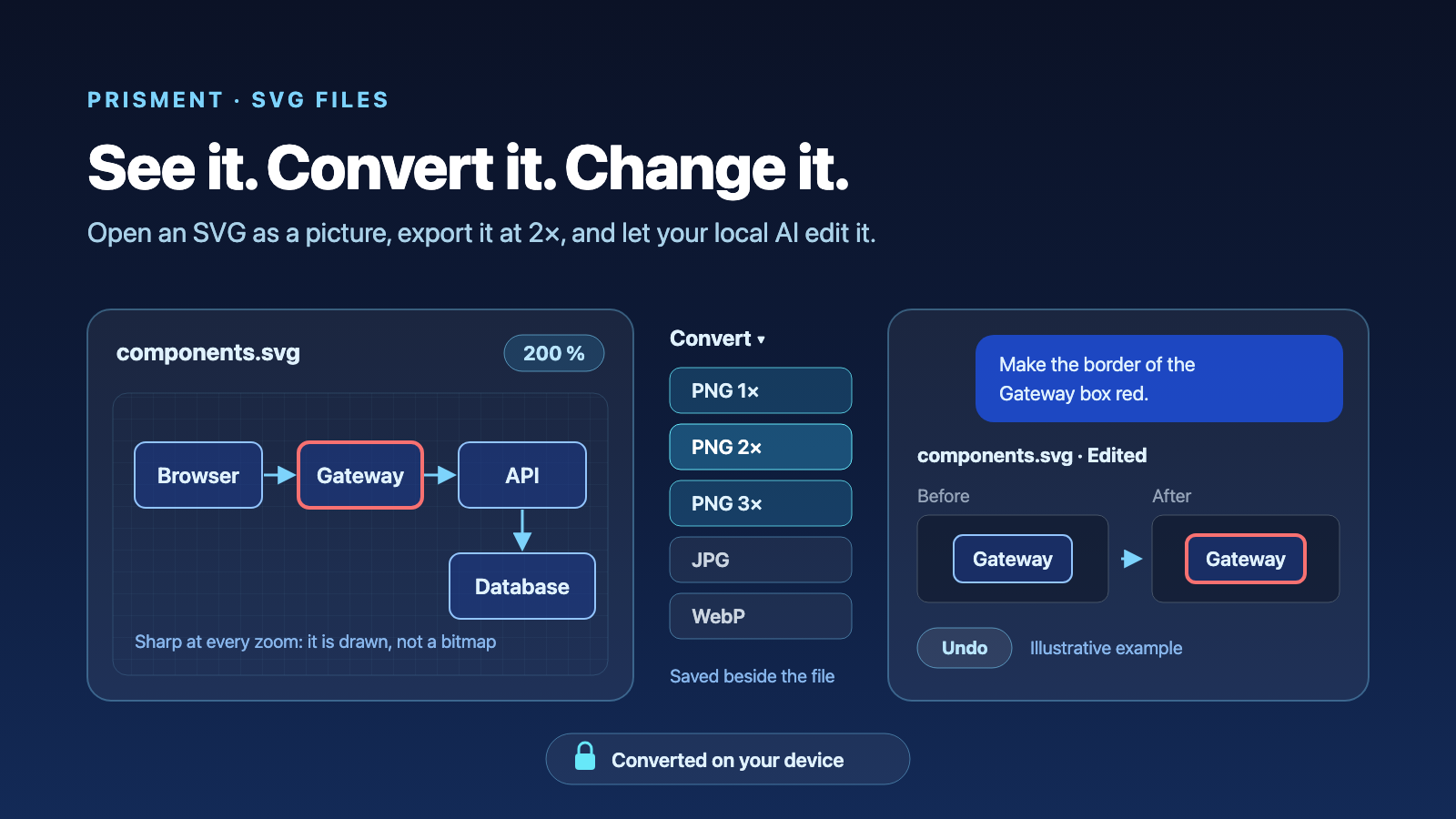
SVG Files in Prisment: See the Picture, Convert It, and Let Your Local AI Change It
Open an SVG as a picture, convert it to PNG, JPG or WebP at up to 3×, copy it as an image or a Markdown link, and let your local AI change it — all on your device.
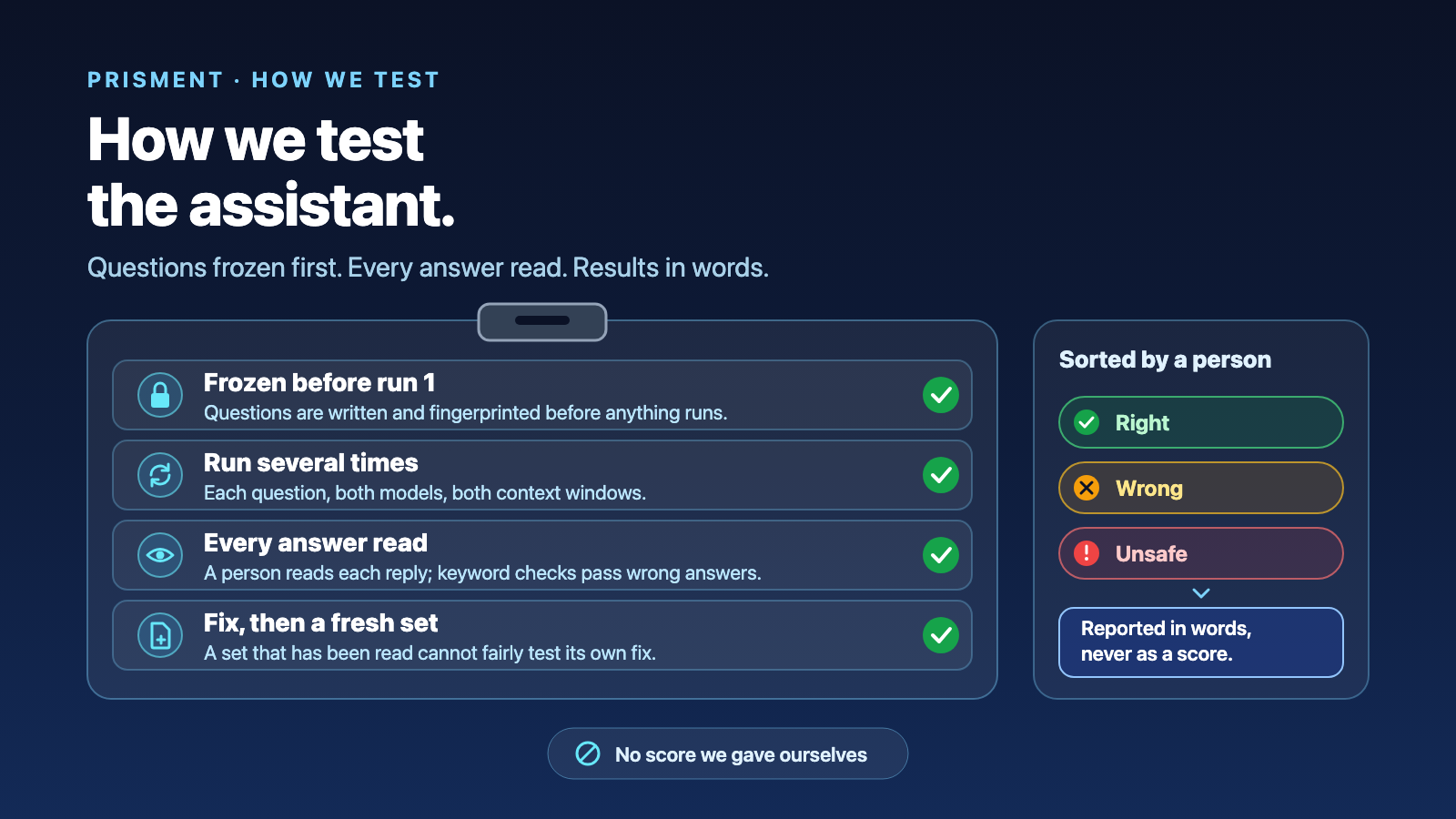
How We Test Prisment's Local AI Assistant — and What the Numbers Can't Tell You
How we test the local AI assistant: question sets frozen first, every answer read, results in words — and what public benchmarks can and cannot show.
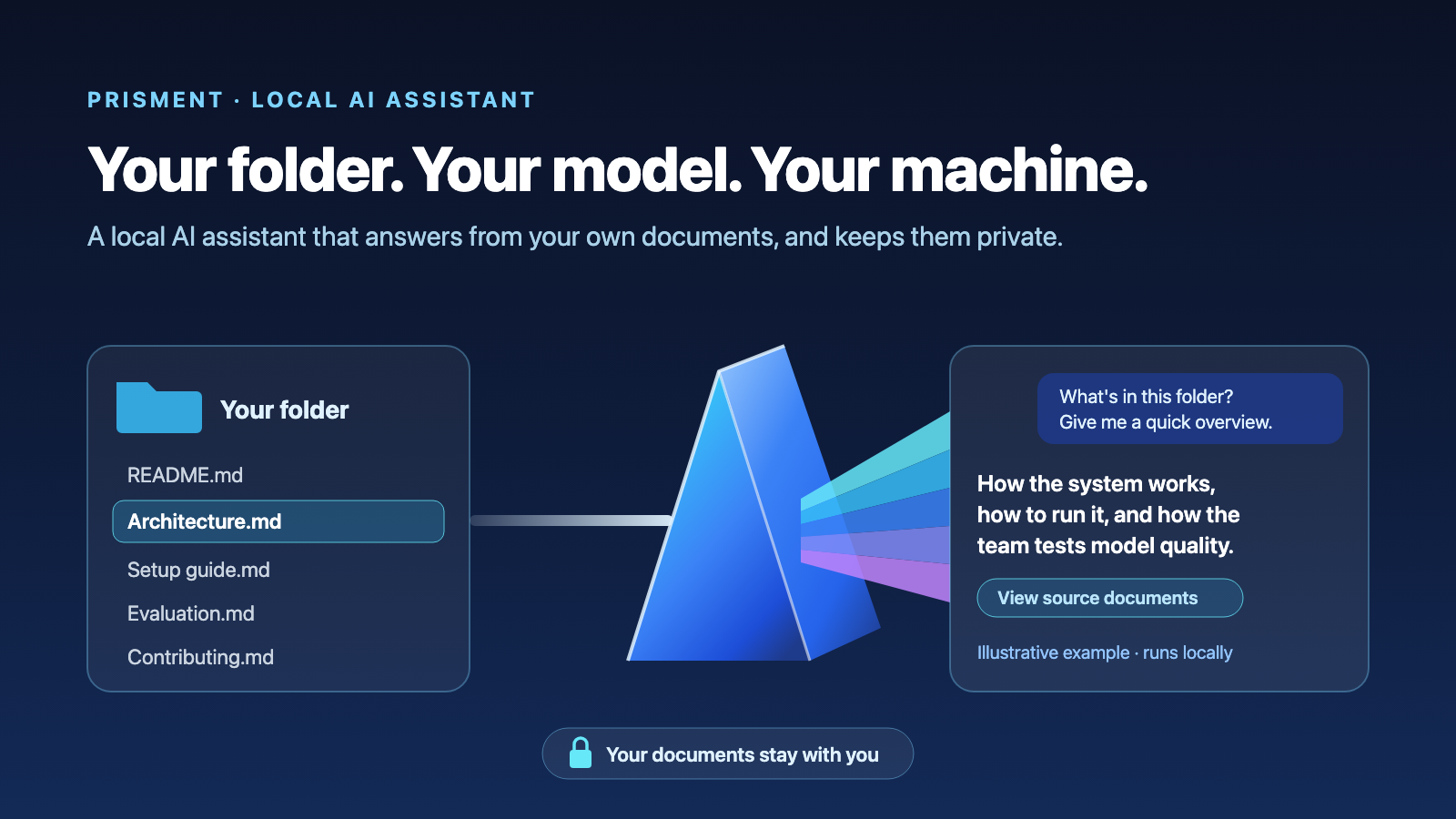
Introducing the Prisment Local AI Assistant: Your Folder, Your Model, Your Machine
Meet Prisment's local AI assistant: ask your folder questions, make changes you can undo, and keep every document on your computer.
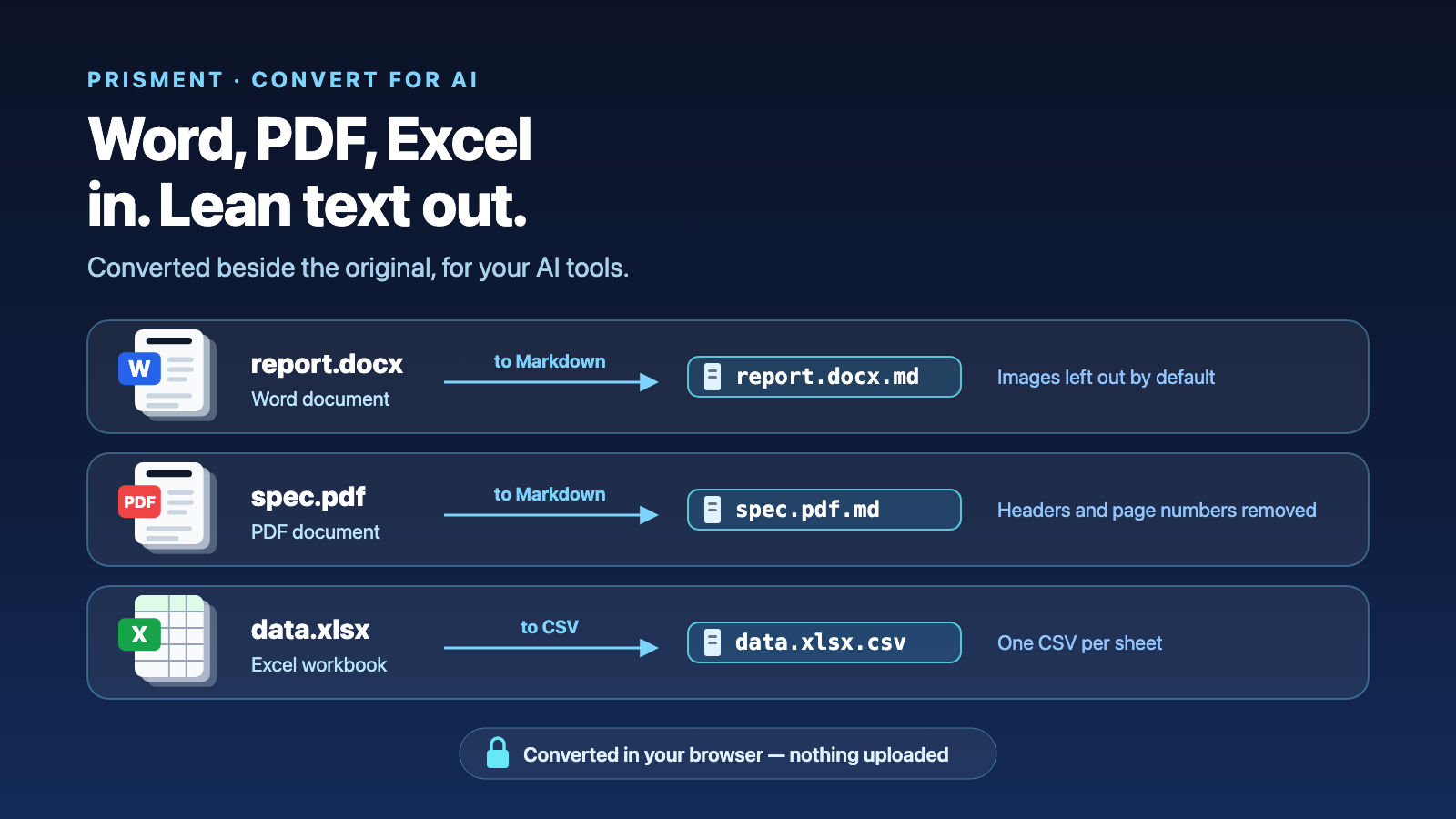
Word, PDF and Excel in Prisment: Read Them in Place, Convert Them for Your AI Tools
Prisment opens .docx, .pdf, .xlsx and .xlsm in place and converts them to Markdown or CSV in your browser — beside the original, so an AI tool reads the lean copy.
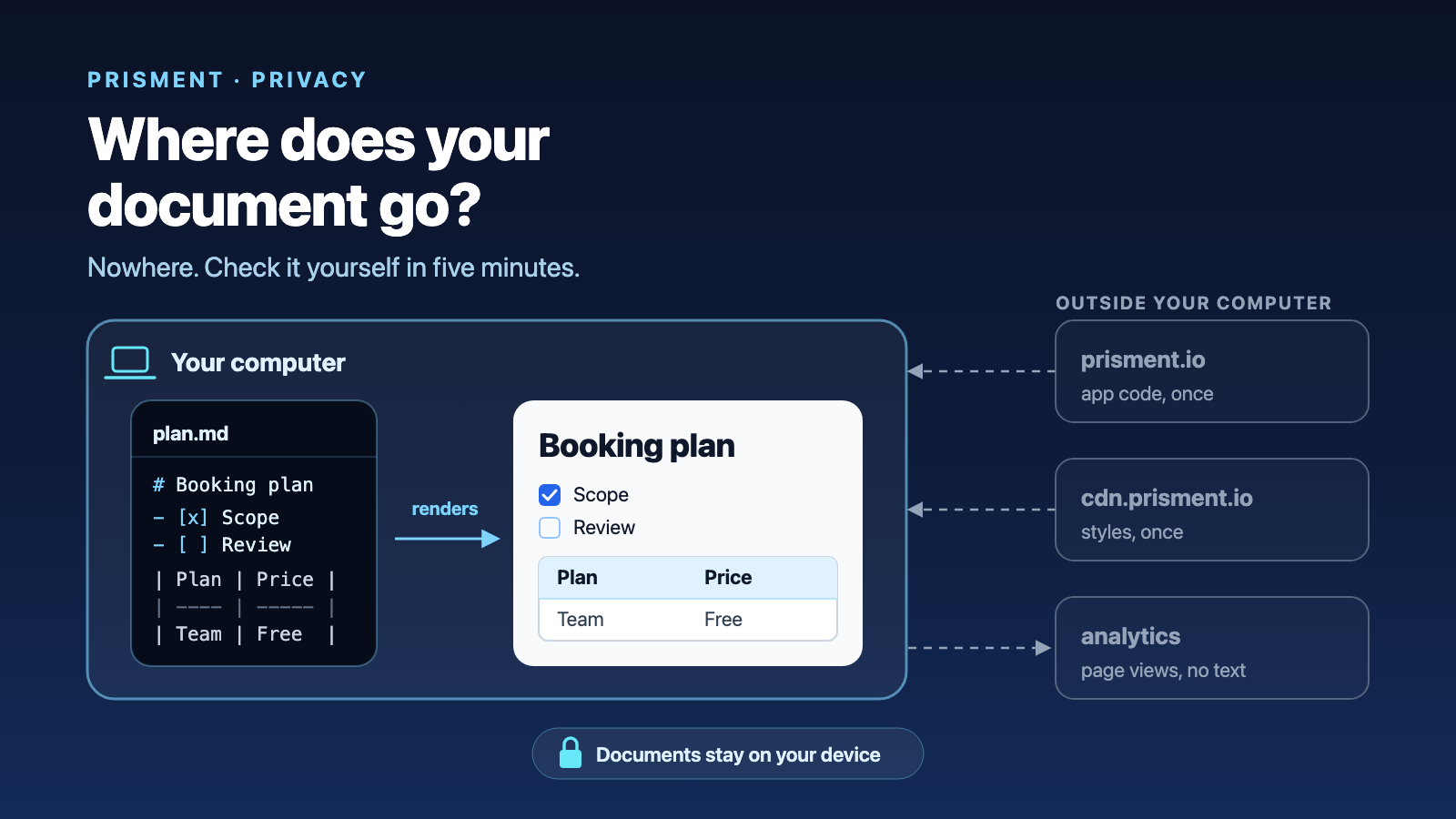
What Actually Happens to Your Document: The Case for a Client-Side Markdown Editor
Where browser Markdown tools send your text, why Prisment has nowhere to send it, how to verify that yourself in five minutes — and exactly what we do measure.
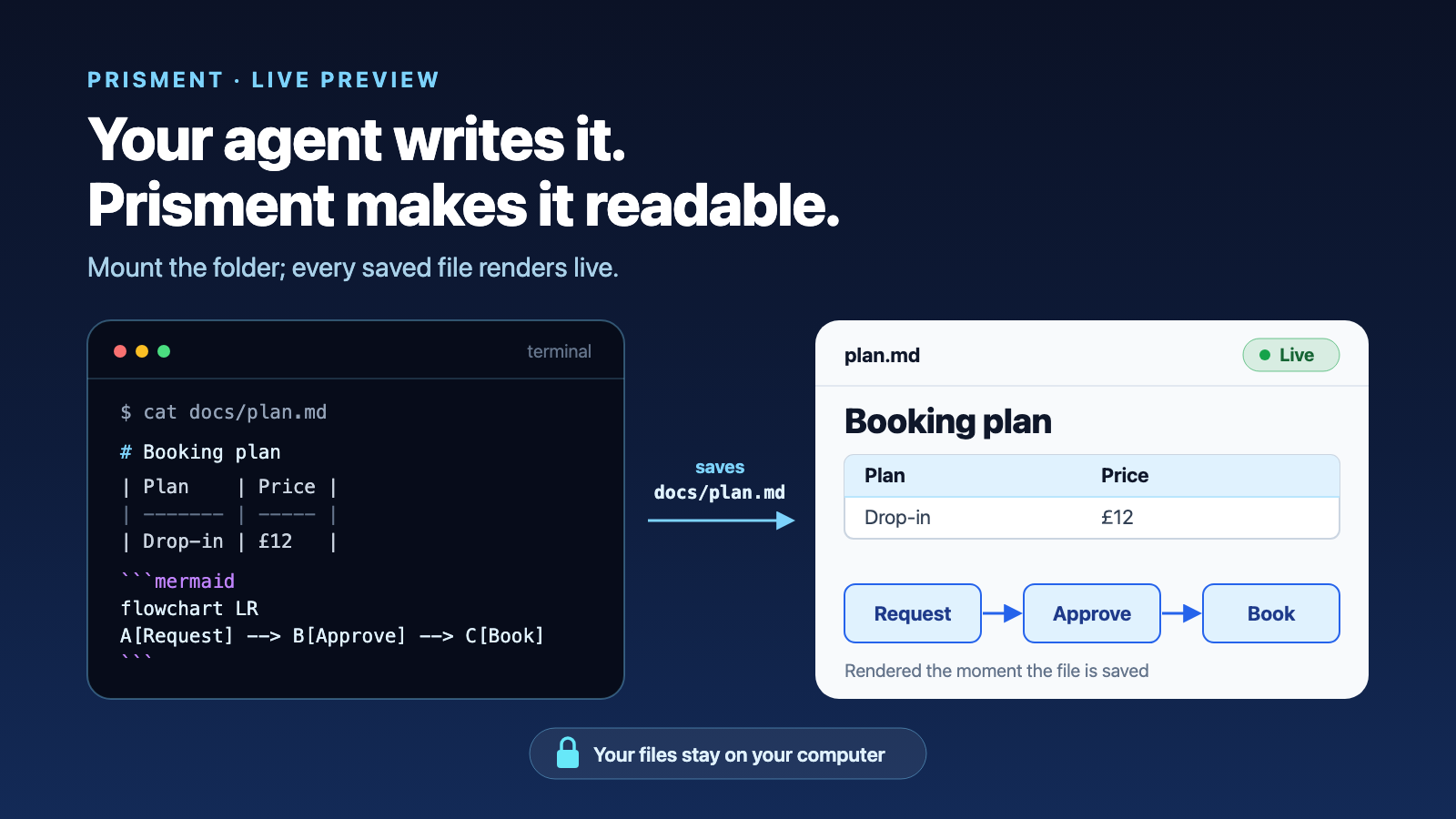
Live Markdown Preview for Claude Code, Gemini CLI and Copilot
Your terminal agent writes Markdown into a folder. Prisment renders each file as it is saved — tables, diagrams and math included — and lets you correct it in place.
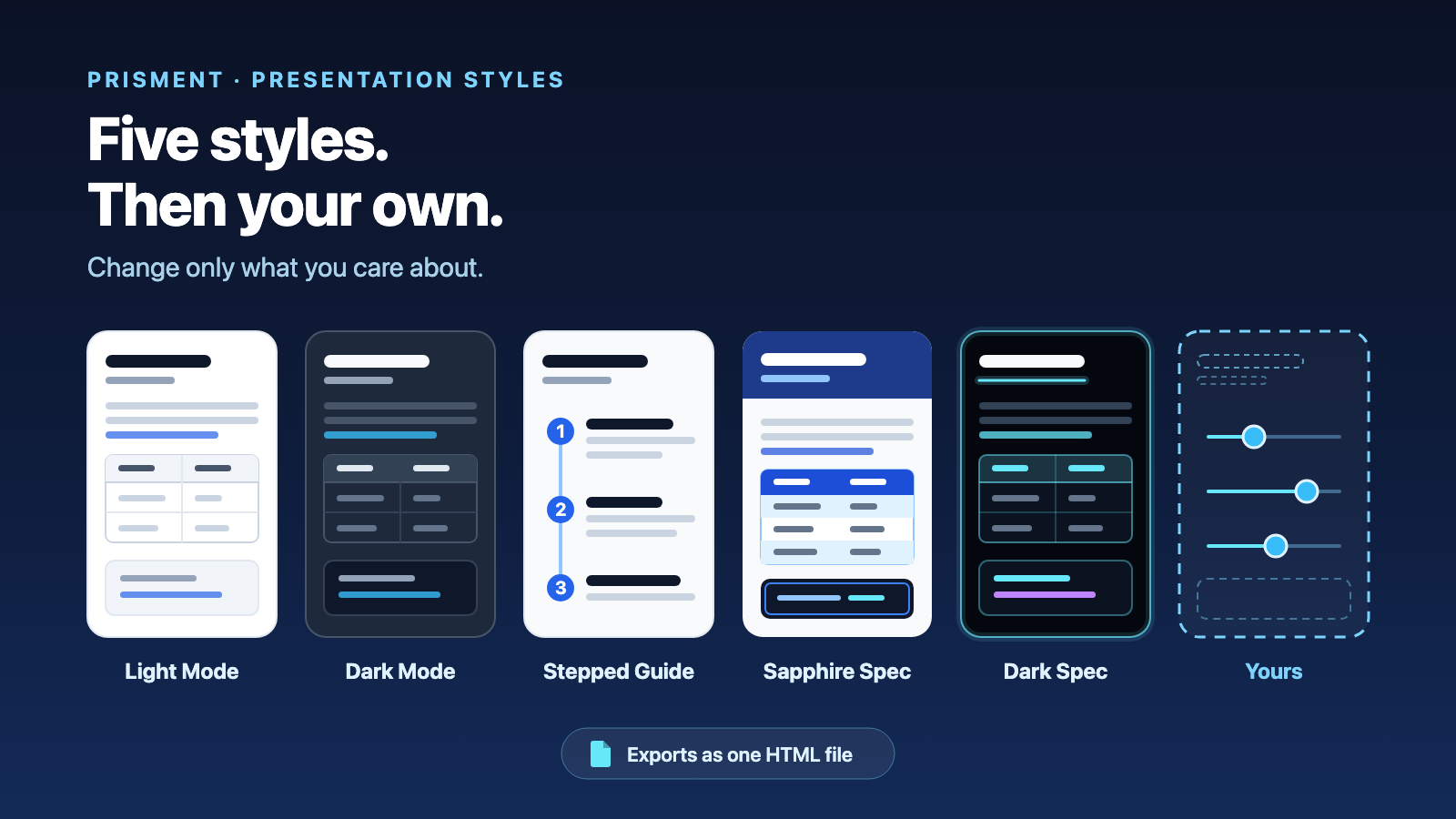
Turn Markdown Into a Presentation-Grade HTML Document: Five Styles, Then Your Own
Pick one of five presentation styles, change only what you care about to make it yours, and export one self-contained HTML page — no CSS, no build step.
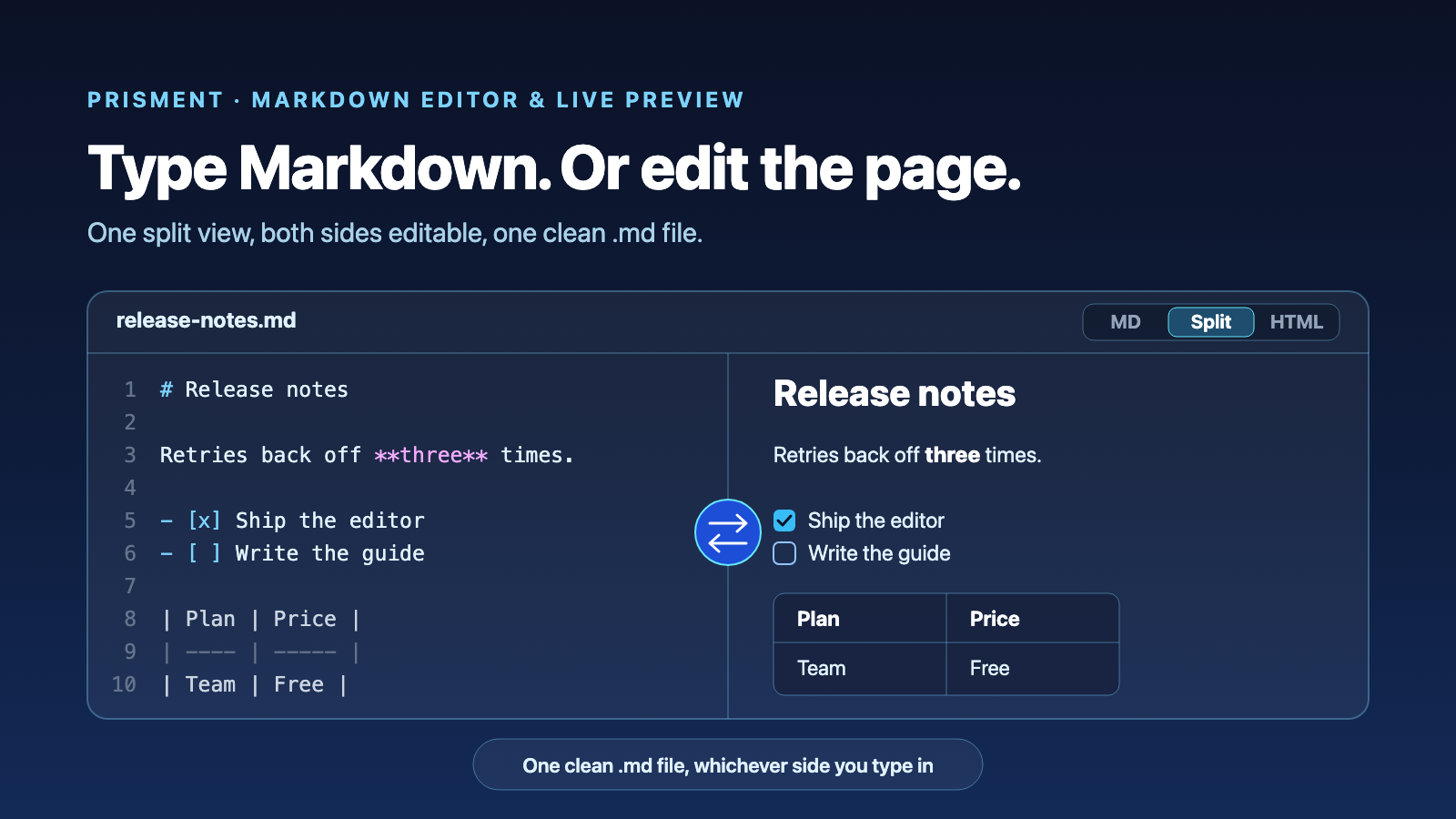
Markdown Editor with Live Preview: Write in Markdown or Rich Text, Keep One Clean File
A Markdown editor and live previewer in one split view: type Markdown on one side, edit the rendered page on the other, and the .md file stays clean for git and AI.
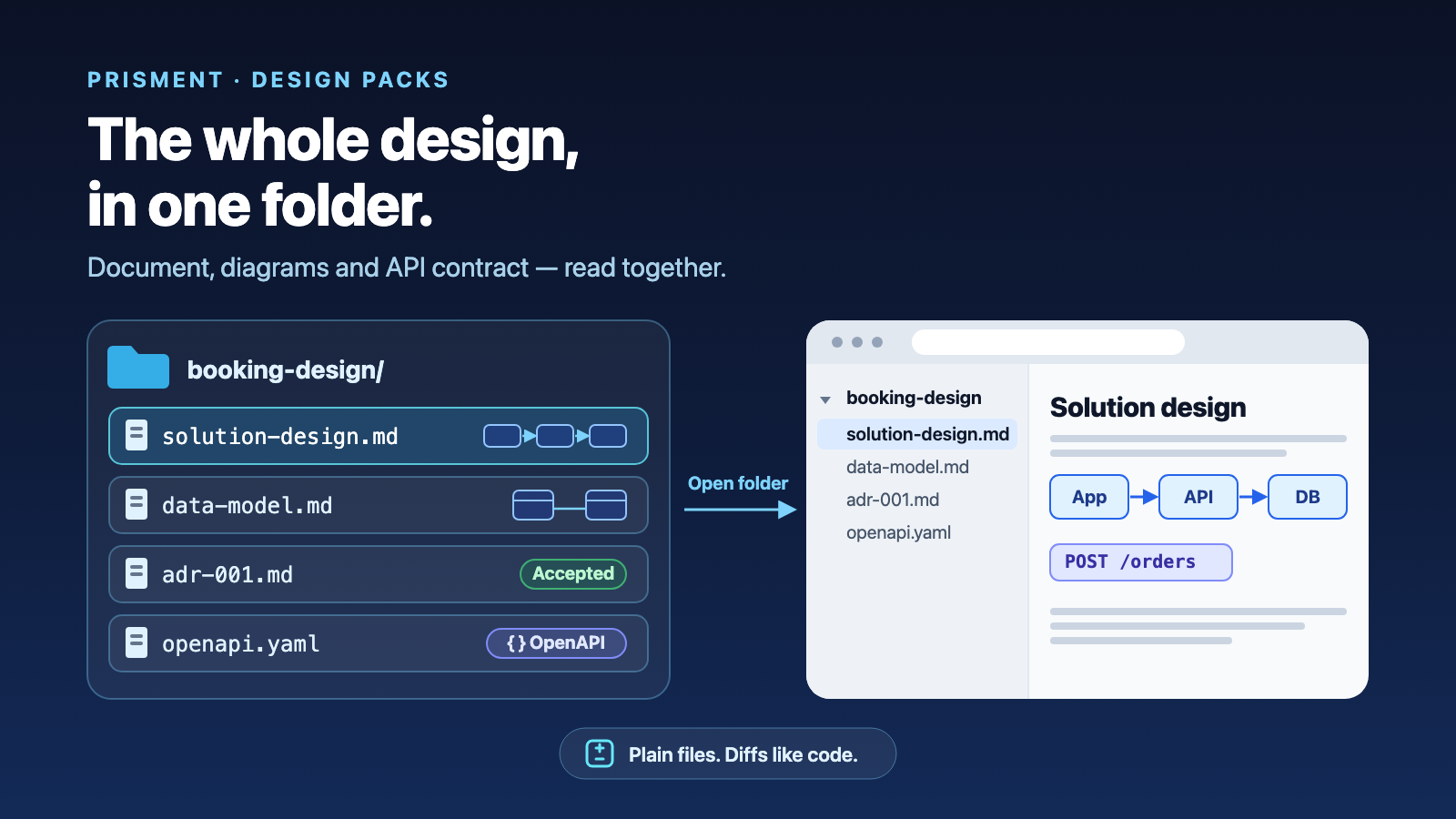
Solution Design Packs: Document, Diagrams and API Contract in One Folder
Keep the design document, its Mermaid diagrams and the OpenAPI contract as plain files in one folder, read them together, and share them as an offline site.
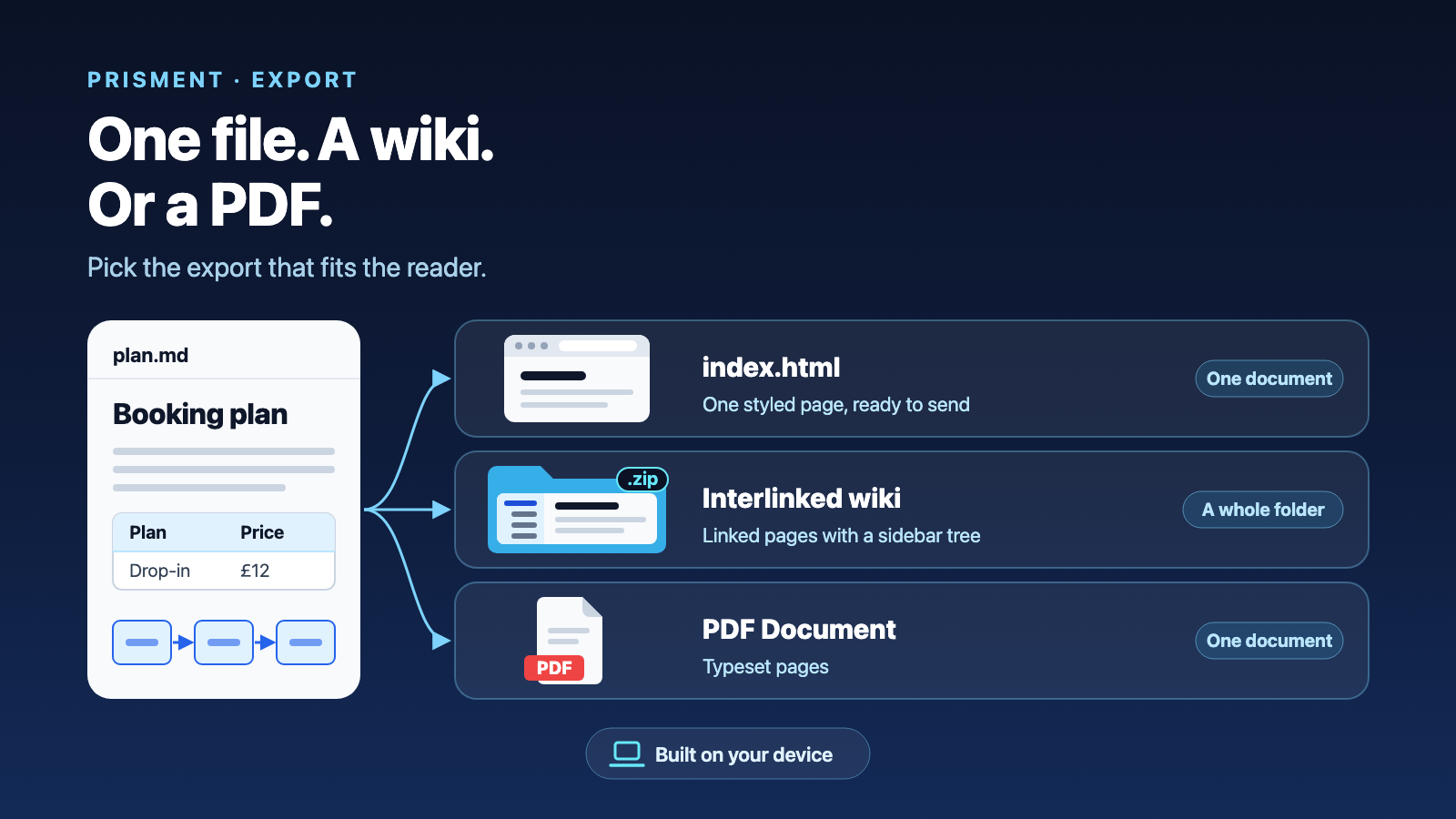
Share Markdown as Standalone HTML, an Offline Wiki or a PDF
Which Prisment export to send: one styled HTML page, an interlinked wiki, a ZIP of pages, the source files, or a PDF — what each produces and when to pick it.